For anyone who cares for someone they love.

Record the doctor visit. Remember every word.

You walk out of the appointment with a head full of instructions — the new prescription, the dosage change, the follow-up in six weeks — and it starts to blur before you reach the car. PresentCare records the visit so you don’t have to hold it all.

You’re not failing. It’s too much for one person. PresentCare holds one piece of it.

The moment after the visit

Why caregivers record doctor visits

Fifteen minutes with the doctor can carry a month of decisions. And in those fifteen minutes you’re doing four jobs at once — listening, comforting, asking the questions you rehearsed in the waiting room, and trying to scribble notes on the back of an appointment card. Something always slips.

Then comes the second job: the retelling. Your brother wants to know what the cardiologist said. Your sister wants to know if the dosage changed. You tell the story twice, three times, and each version drifts a little further from what actually happened in the room.

Recording the visit ends the guesswork. Instead of reconstructing the appointment from memory in a hospital parking lot, you have what was actually said — and everyone in the family works from the same version. That’s the whole reason caregivers reach for a recording app in the first place: not to catch anyone out, but to be present in the room instead of taking dictation.

Recording is only half of it

A doctor visit summary app that speaks plain language

Nobody re-listens to a forty-minute appointment. A recording you never open is just guilt in audio form. So PresentCare does the second half for you.

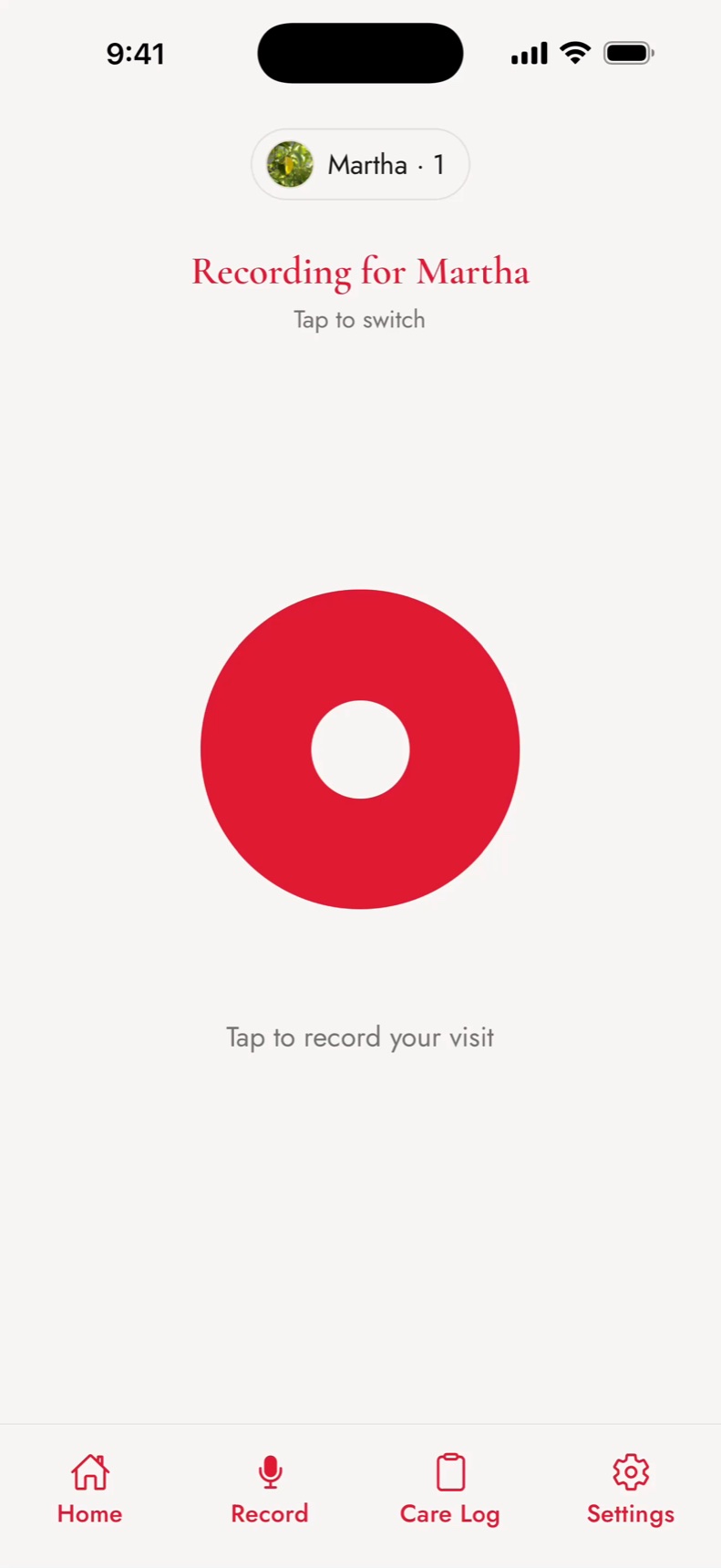
One tap starts the recording. When the visit ends, PresentCare turns the conversation into a plain-language summary — a readable overview of everything discussed, not a wall of medical shorthand. From that same conversation it pulls out the pieces families actually need:

  • Every medication mentioned — new prescriptions, changes, and dosages
  • Doctors and specialists referenced, so referrals aren’t lost
  • Follow-ups scheduled, labs ordered, imaging to arrange
  • Action items for home — things to watch for, next steps
  • Anything urgent the doctor flagged, highlighted so it isn’t missed

One honest note: summaries are made with AI, and they may contain errors. They are not medical advice, and PresentCare is not a medical record. Always follow your doctor’s instructions.

The circle

Share doctor visit notes with family — without the retelling

Send the summary, not the story. After a visit, the summary goes to your circle of care — the small group around the person you care for — so a sibling three states away reads the same thing you heard.

To-dos from the visit land in a shared list where circle members can claim them and mark them done, so “someone should schedule the follow-up” becomes someone actually scheduling it. Medications live on one shared list the whole circle can see — add one, edit a dose, or mark one stopped — so nobody is working from a photo of an old pill bottle.

Private by design

An app to remember what the doctor said — and nothing more

PresentCare is a memory tool for families, not a surveillance tool and not a medical record. It keeps what helps you and lets go of the rest.

Recordings are encrypted on your device before upload, and the audio is deleted right after transcription — we don’t keep it. Raw transcripts aren’t stored long-term either; what remains is the summary and the lists your family actually uses. Summaries are visible only to the people you invite to your circle, and we never sell health data or use it for advertising. The full details are in our privacy policy.

Before you press record

Ask your doctor first

A simple “Do you mind if I record this so the family can hear it straight from you?” is usually all it takes. Most doctors are glad you asked — it tends to mean fewer follow-up calls and better follow-through at home.

Recording laws vary by state, and we can’t give legal advice. But asking first isn’t just the careful path — it’s the kind one, and it works everywhere. PresentCare is built for open recording, with everyone in the room knowing.

Who it’s for

Built for the family that shows up

PresentCare is for the daughter driving her mom to appointments between school pickups. The son managing his dad’s care from two time zones away. The spouse who sits in every waiting room. The sandwich generation, holding a parent’s care in one hand and their own family in the other.

It works for parents, spouses, siblings, friends, and yourself — whoever you show up for. You’re here. That’s enough.

Questions caregivers ask

Questions about recording doctor visits

Is it legal to record my doctor visit?

Recording laws vary by state, and we can’t give legal advice. The simple answer that works everywhere: ask first. Tell your doctor you’d like to record so the family can hear it straight from them — most are glad you did.

Does the doctor have to agree?

PresentCare is built for open recording, not secret recording. Ask before the visit starts. If your doctor would rather not be recorded, respect that — you can still keep your circle’s medication list current by hand.

Is PresentCare free?

PresentCare is free to download on the App Store, and you can try it free. Some features are offered as an optional in-app purchase — there’s no charge to start.

Does PresentCare work on Android, or is it iPhone only?

PresentCare is an iPhone app, available on the App Store. There’s no Android version today.

Get the app

Record the next visit. Be present for it.

One tap records the doctor visit — PresentCare turns it into a summary your family can actually use, with the medications and to-dos pulled out and shared with your circle. Built by a son who lost his mom, for every family carrying too much. Try it free.

Questions? [email protected]

The PresentCare home screen — a gentle greeting, today's schedule, and a Record a Visit button